A complete development suite for creating stunning HTML5 web-trading apps.
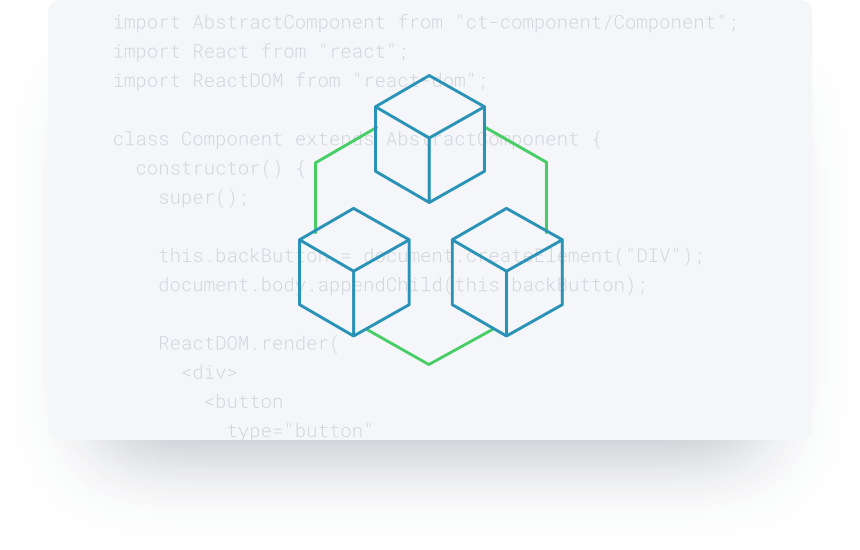
Caplin Trader 5's new Node.js build stack supports leading JavaScript libraries including React, JSX, Jest, StoryBook, ES6, Less, Sass, and more.

Modular architecture for enterprise-scale JavaScript development

Grid and chart components with support for real-time updates

User customisable layouts with
drag & drop composition

Rich API for integration with the Caplin Platform
Features

Open-source build stack
From version 5, Caplin Trader uses an open-source build stack on Node.js.
Get started quickly with the pre-configured build stack, or customise it with your choice of packages from Node's vibrant ecosystem of open-source libraries.
Enterprise-scale development
A CommonJS modular architecture makes it easy to manage the development of large JavaScript applications.
Server-side resources are modelled as services and can be substituted with mock services during development and testing.
UI components are loosely-coupled and easy to test, with communication between components managed by a local event hub.
React UI-development
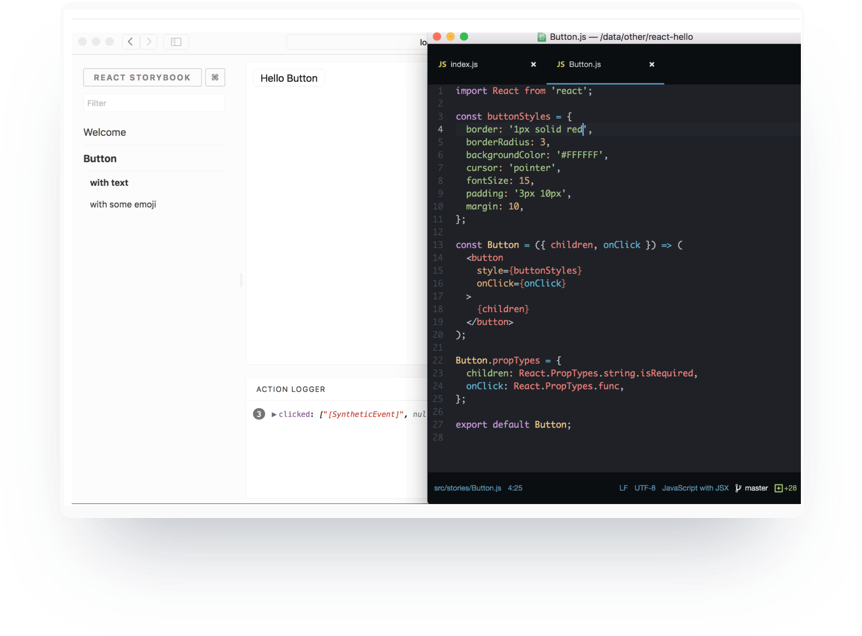
Use command-line tools to generate template code for React components and Jest tests.
Edit React components in the Storybook UI Development Environment.
Experience an optimum React workflow with ES6 and JSX.
High-performance UI components
Caplin Trader includes a set of high performance components designed to display real-time data all day without leaking memory.
The grid component displays real-time data in tabular format, and supports the sorting, filtering, and windowing of large data sets.
The chart component displays real-time data in live charts, and supports zoom & pan navigation.


User-customisable layouts
Panel-based design with drag and drop composition of panels and components.
Server-side persistence of layouts between browser sessions.
Integration with the Caplin Platform
StreamLink JS, Caplin's high-performance streaming library, connects your application to the Caplin Platform.
The Trading API manages complex trading workflows.
The Permissioning Service allows your application to respond in real time to changes in user entitlements.