
Caplin Platform 8
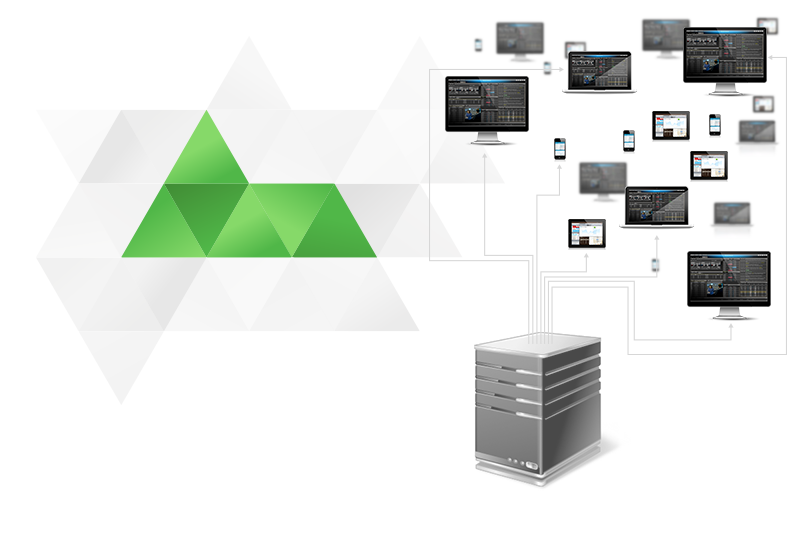
The Caplin Platform is an integrated suite of software that supports the services and distribution capabilities needed for web trading. Its low-latency streaming capabilities, coupled with real-time data transformation, SSO user authentication and the ability to integrate with a variety of data sources, make it the most adaptable and efficient data distribution solution for your web trading application.
Real-time Data
Stream over the Web
A powerful web streaming server at the core of the Caplin Platform called Liberator allows you to send data from the server to a web browser asynchronously, and with low latency. There was no proper support for this capability in the early web; adding it makes full duplex client-server communication possible. Read more
Minimise Latency
The Caplin Platform enables you to push data to and from your client application, and between server components. To ensure low-latency – a critical factor in trading platforms – data transfer is kept to a minimum. The Caplin Platform is regularly benchmarked to ensure that its message latency is as low as possible. Read more
Transform Data
An event-driven, high-speed data transformation engine called Transformer allows you to filter and modify vast quantities of incoming market data in real time; providing the latest prices to your trading app, in the form required. It is highly performant and scalable, and has been optimised for web trading services. Read more
Integration
Connect and Normalise Data
You can integrate the Caplin Platform with any number of existing backends, such as those providing pricing, trading and permissioning. The Platform can act as a kind of normalisation layer, presenting a more common interface to your disparate systems. The systems are connected to Caplin Platform using Integration Adapters. Read more
Enable Single Sign-On
A web trading app using the Caplin Platform can use Caplin KeyMaster to integrate easily with a Single Sign-On (SSO) system. The end-users of your web application can then be logged in to Liberator seamlessly, without having to enter any further user credentials. Read more
Monitor and Manage
You can monitor the Caplin Platform components and Integration Adapters (including custom Adapters built using the Caplin Integration Suite). The internal state of each component and adapter can be viewed via a JMX interface, using the Caplin Management Console or custom monitoring tools created with the JMX API. Read more
Resilience
Handle Active Subscriptions
The Caplin Platform handles subscriptions in an active manner, passing subscriptions through the chain of components. This allows requests to be handled dynamically, and reduces the amount of data to be handled by the platform and the load on it. Read more
Server Failover
For server failover, deploy Caplin Platform and any connected Integration Adapters with multiple instances of components. Subscriptions can be balanced across Integration Adapters, with priorities assigned to different Adapters. Subscriptions can failover to a backup Platform component if the default component fails. Read more
Client Failover
Client applications built using StreamLink will automatically failover between instances of Liberator. When a StreamLink client application fails to connect to Liberator, it attempts to reconnect. If that fails, StreamLink attempts to connect to a failover Liberator instance. Read more
Services
Implement Custom Services
You can use the Caplin Platform to provide services to a client application. These may be core Platform services, additional services implemented by Caplin, or custom services you have built to run in the Platform. The filtering and sorting of list data is one such service, and is implemented as a Transformer module. Read more
Enable lists, filtering and sorting
The Caplin Platform and APIs provide easy ways to manage and display lists of data (containers). A container can be filtered and sorted on demand - and, if it contains a long list, a client application can subscribe to just a portion of the elements in it to ensure that only data that fits on an end-users screen is sent. Read more
Authenticate and Permission
A comprehensive permissioning facility is built in to the Caplin Platform and its APIs. This allows you to authorize via Liberator, user logins, data subscriptions and publishing data. Permissions can be derived from an external system, such as a user permissions database. Read more